
System Messages
System Messages Table
|
Component |
Name |
Description |
Receiver |
|
Advocacy |
New Campaign Confirmation |
Email notification on a new created advocacy. |
User (advocacy owner) |
|
Advocacy |
Campaign awaiting approval |
Notification for the advocacy owner that the advocacy created is in review (for setups where admin needs to approve an advocacy) |
User (advocacy owner) |
|
Contributions |
Contribution Receipt |
Notification regarding a summary of donation made |
Donor |
|
Contributions |
Recurring Schedule Confirmation |
Notification on a recurring schedule setup |
Donor |
|
Contributions |
Card About to Expire |
Notification that a credit card is about to expire |
Donor |
|
Contributions |
Contribution Declined |
Notification on a declined transaction |
Donor |
|
Contributions |
Contribution Declined (System Error) |
Notification on why the contribution was declined |
Ministry Admin (needs to be added as an additional receiver) |
|
Contributions |
Recurring About to Expire Notify Donor |
Notification that a recurring schedule is about to expire |
Donor |
|
Cron |
Cron Notify Not Running |
Notification that the Cron job stopped running |
WMTEK Admin Ministry Admin (needs to be added as an additional receiver) |
|
Messages |
Spark Messages |
This is a notification that contains the custom Spark Messages in the Spark component |
Depending on who should receive the message in Spark |
|
Newsletters |
Newsletter Sign Up Confirmation |
Notification regarding a newsletter subscription a user subscribed to |
User |
|
Newsletters |
Newsletter Sign Up Confirmation To Admin |
Notification that a user have subscribed to a newsletter in the website |
Ministry Admin (needs to be added as an additional receiver) |
|
PaymentProcessors |
New Payment Method |
Notification that a new payment method has been added to the donor’s account |
Donor |
|
PaymentProcessors |
Payment Method Updated |
Notification that a payment method has been updated in the donor’s account |
Donor |
|
PaymentProcessors |
Payment Method Deleted |
Notification that a payment method has been deleted in the donor’s account |
Donor |
|
PaymentProcessors |
Failed Pending Transaction (Admin) |
Notification regarding a pending transaction and why the transaction failed |
Ministry Admin (needs to be added as an additional receiver) |
|
People |
Send Message |
Notification on the internal message that was sent in Site Stacker |
User |
|
People |
Address Updated |
Notification on an address update in the user’s CRM |
User |
|
People |
Email Updated |
Notification on an email update in the user’s CRM |
User |
|
Prayers |
Prayer Saved |
Notification that the prayer has been saved to the user’s prayer calendar |
User |
|
Prayers |
Prayer Reminder |
Notification to remind the user of a scheduled prayer |
User |
|
Prayers |
New Prayer For Content Owner |
Notification to the content item owner that a user has added them to their prayer calendar |
Content Item Owner |
|
Processes |
Process Notification |
Email notification sent through Motion 2 |
Depending on who should receive the message in Motion 2 |
|
Processes |
Process Reference |
Email notification to a user assigned as reference in a Motion 2 workflow |
User (Reference Role) |
|
Processes |
Paid Registration |
Email notification on a checkout that was done through a Motion 2 workflow |
User |
|
SitePlanner |
Content Moves Stage |
Email notification that lets an admin know that a content item has changed the publishing workflow (for missionary dashboard that has profile bio setup) |
Ministry Admin |
|
SitePlanner |
Live Content Moves Stage |
Email notification that lets an admin know that a live content item has changed the publishing workflow (for missionary dashboard that has profile bio setup) |
Ministry Admin |
|
SitePlanner |
Owned Content Stage Changed |
Email notification regarding a submitted change to a content item |
Content Owner |
|
Users |
Recover Password |
Email notification regarding password reset |
User |
|
Users |
Account Locked |
Email notification on a locked account due to failed login attempts |
User |
|
Users |
Verify Email Address |
Email notification for verifying an email address |
User |
|
Users |
Email Verified |
Email sent to user on a successful email verification |
User |
|
Users |
Password Change |
Email notification to the user regarding a password change |
User |
|
Users |
Initiate Password |
Email notification for setting up a password for first time accounts |
User |
|
Webhooks |
Webhook Delivery Failed |
Email notification for failed webhooks (for clients with SS-Virtuous integration) |
WMTEK Admin |
How to Customize System Messages
1. Click on the System Messages Icon
2. Search for / locate the system message you wish to edit and double-click on it.
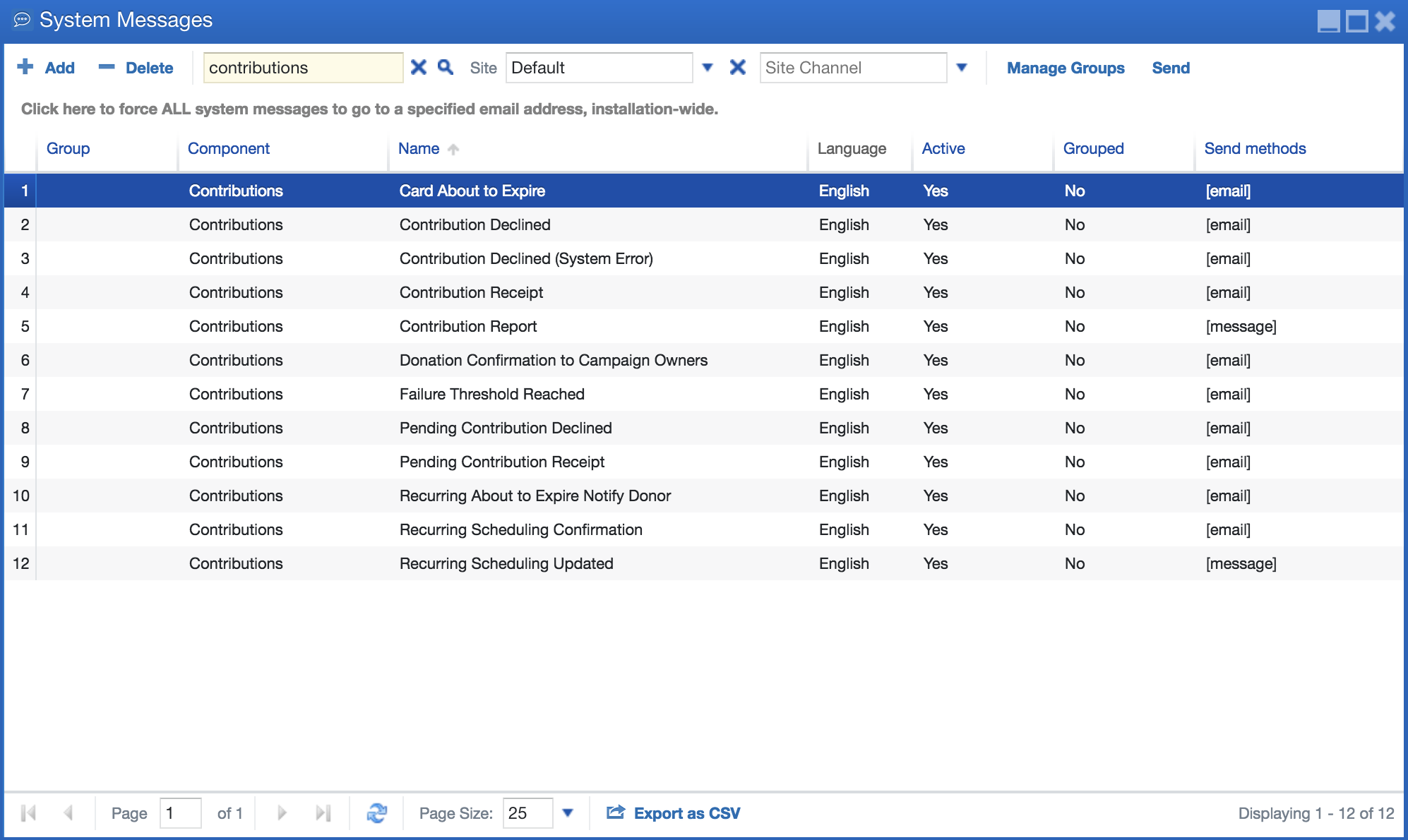
3. Modify the message. Remember, you can add data variables into the message by double clicking them.
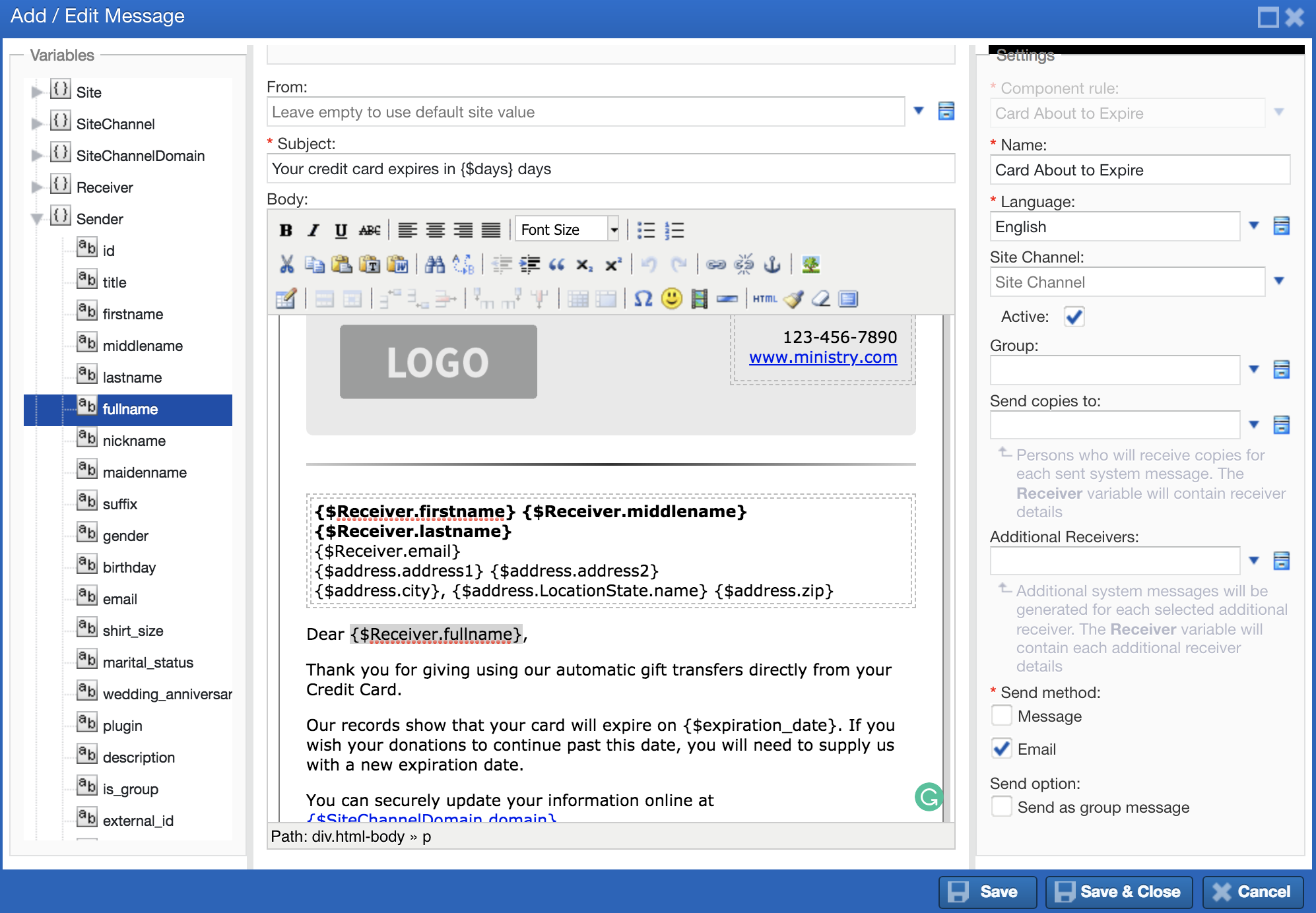
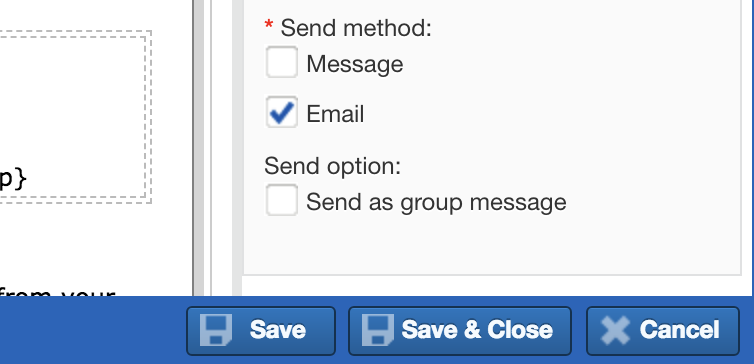
4. When your changes are made, save and close.
How to Add an Additional Receiver
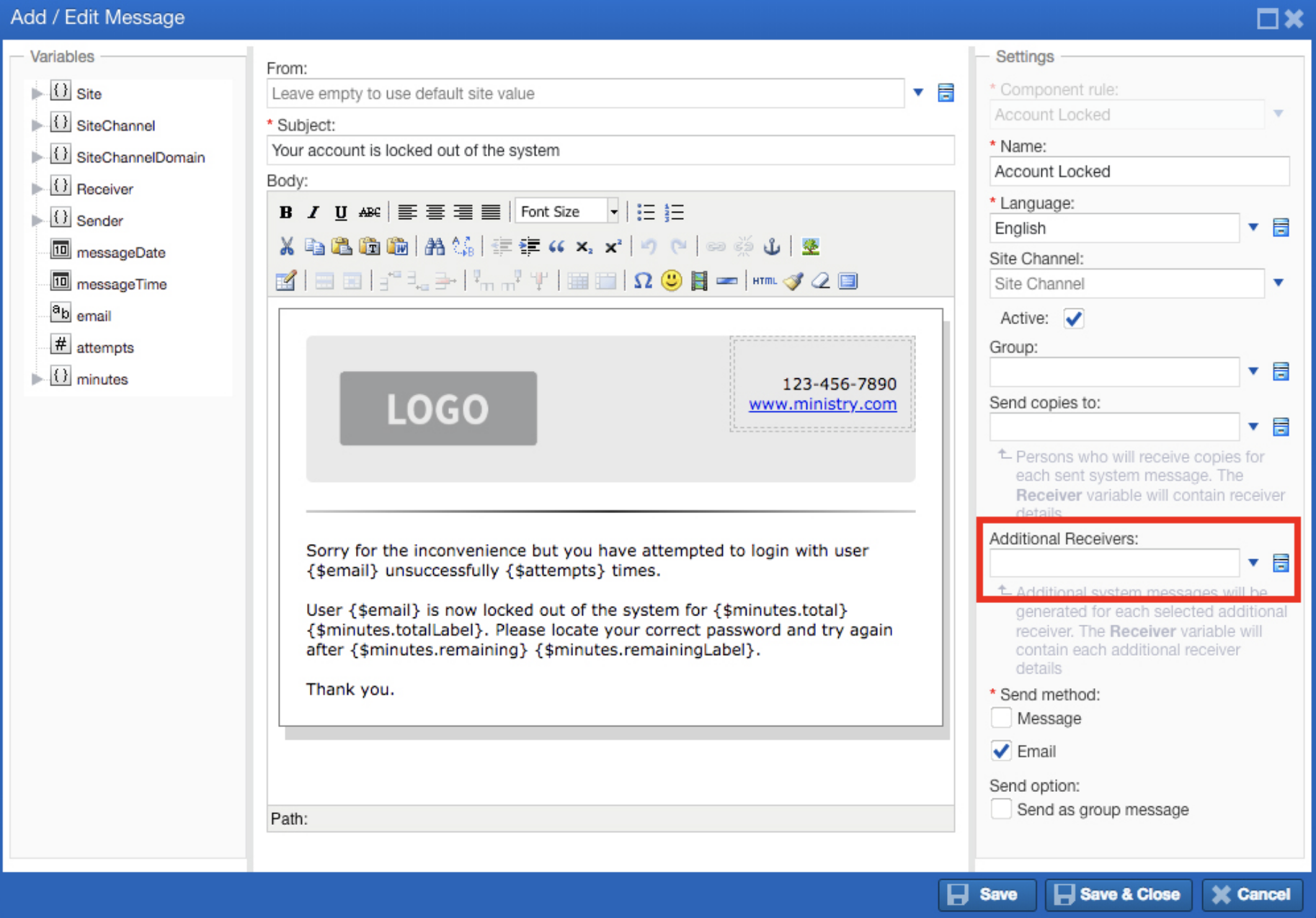
1. Choose and double-click the System Message that an admin wants to have a copy of.
2. Add the admin in the ‘Additional Receivers’ field found on the right side of the window.
Learn more at: |
WWW.WMTEK.COM 3690 North US Highway 1 Fort Pierce, FL 34946
772-567-9824
|