
MENU
System Manager
System Manager is the component in Site Stacker where an admin goes to keep their installation up to date with new core features, changes in the template, or bug fixes.
To Update an Installation:
Open
1. Click the System Manager Component
Open
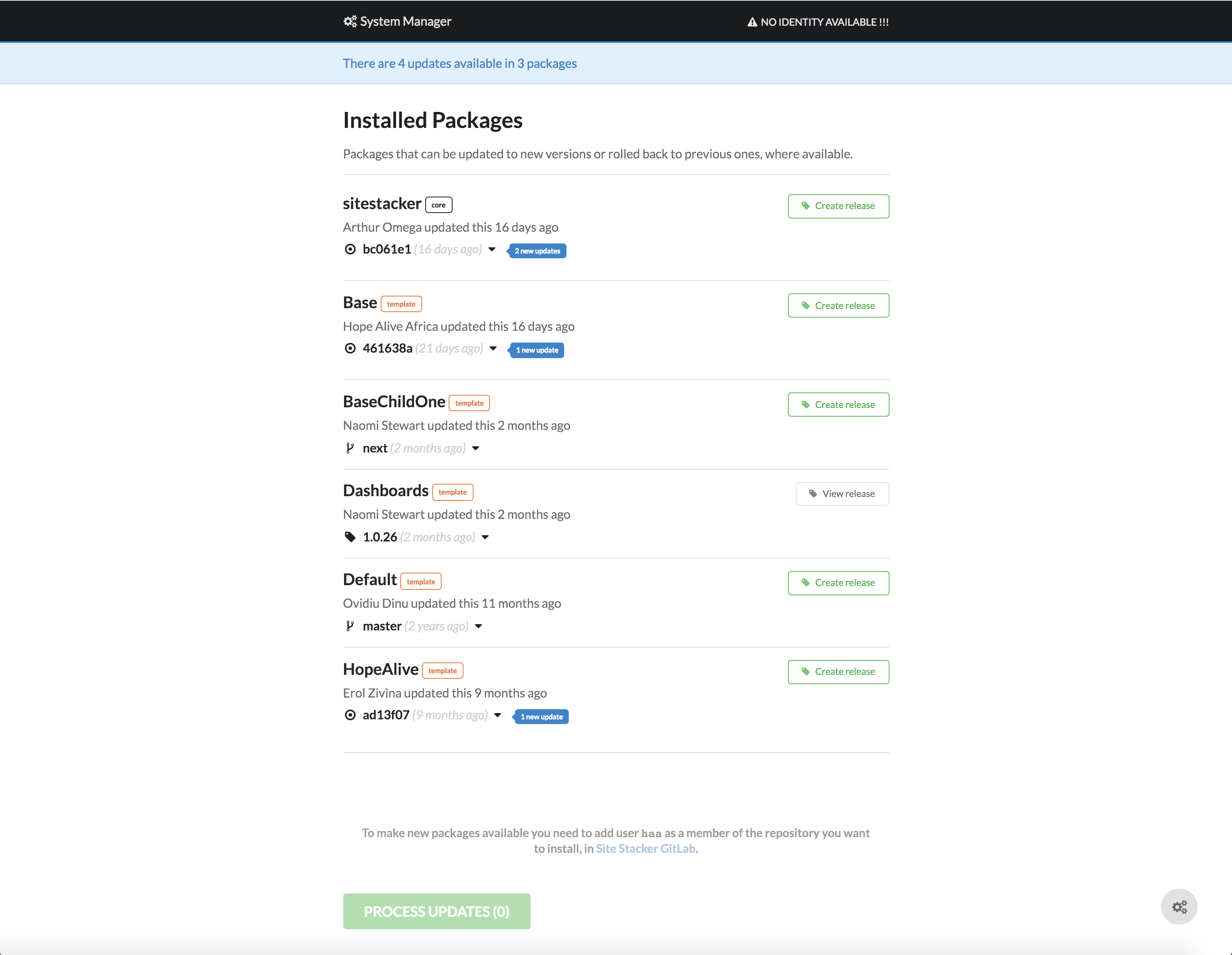
2. After clicking the component, this will redirect you to a new page. In this page, you will see different sections that may need updating and will have a blue tag if there is an update available.
Open
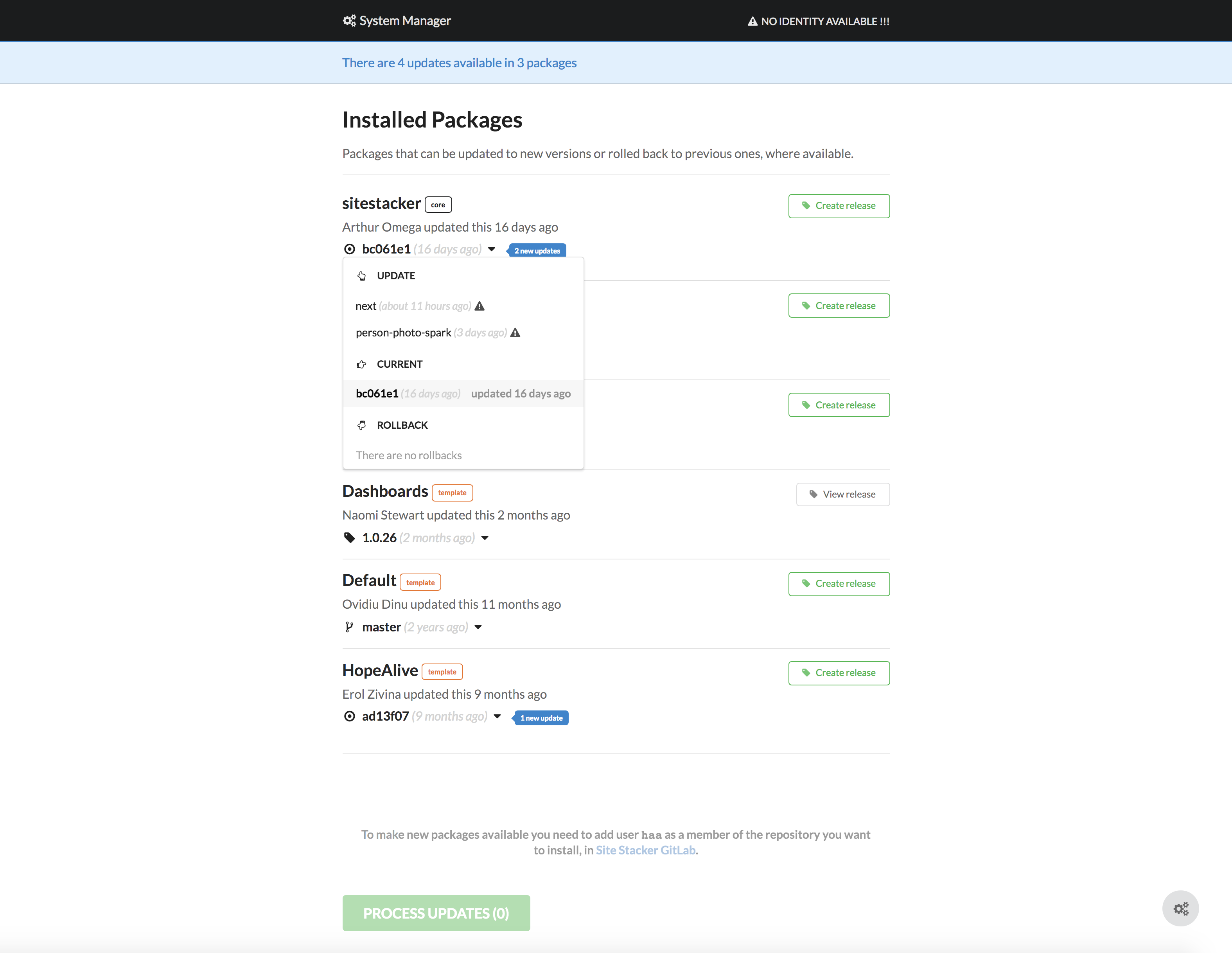
3. You can click on the drop-down to see available updates. When a new update is clicked, it will show you the breakdown of things included in the update.
Open
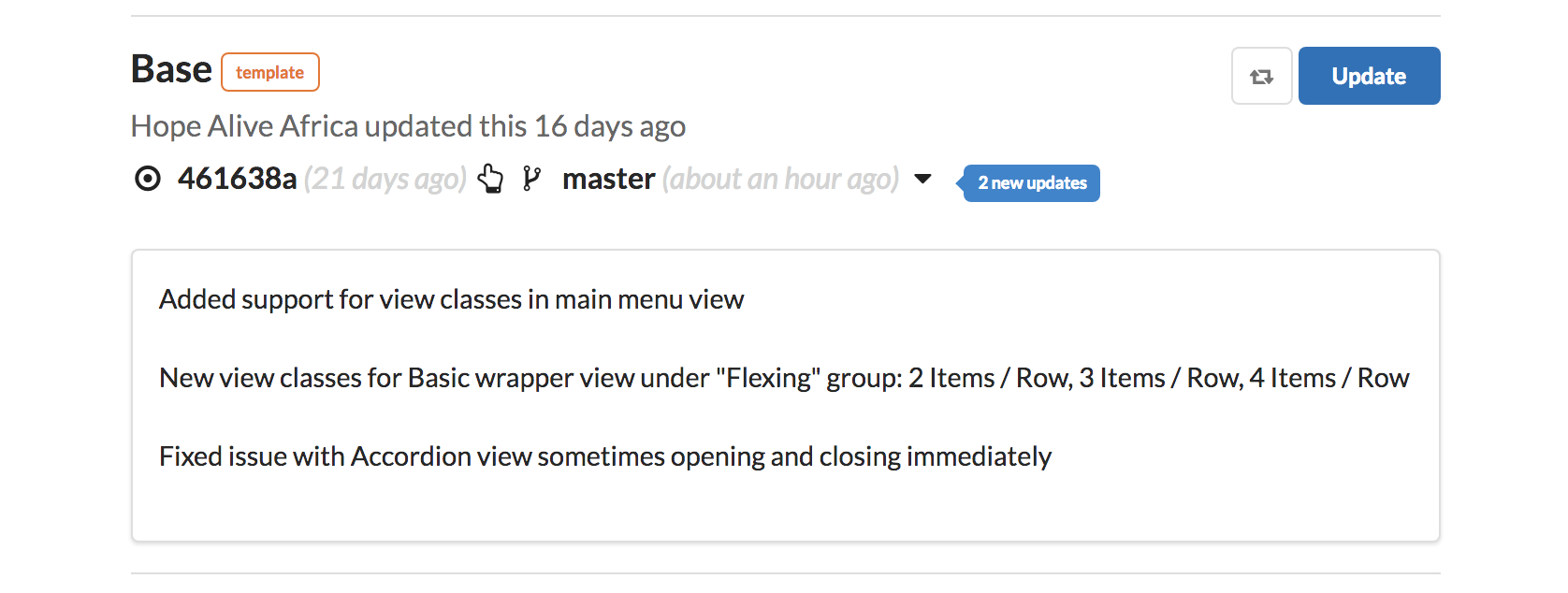
4. You can now click the ‘Update button located on the right side of the screen. Once the update is finished, you can go ahead and close this window and return to your Site Stacker admin window.
Learn more at: |
WWW.WMTEK.COM 3690 North US Highway 1 Fort Pierce, FL 34946
772-567-9824
|