
MENU
Newsletters
In Site Stacker, an admin can export a list of subscribers that signed up using the Newsletter Module published on the front-side of the website. This list can now be imported to your third party software that handles email marketing like MailChimp, Constant, etc.
How to Export a List from "Newsletters"
Open
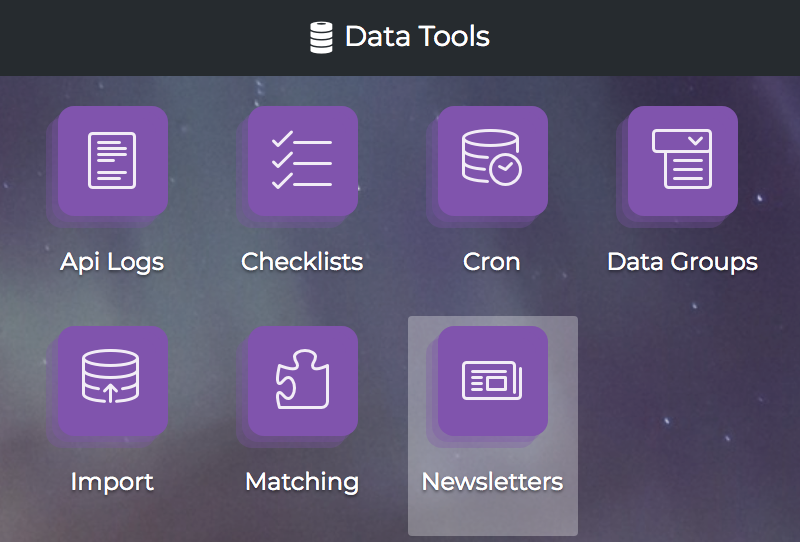
1. In the admin view, click the ‘Newsletters’ component.
Open
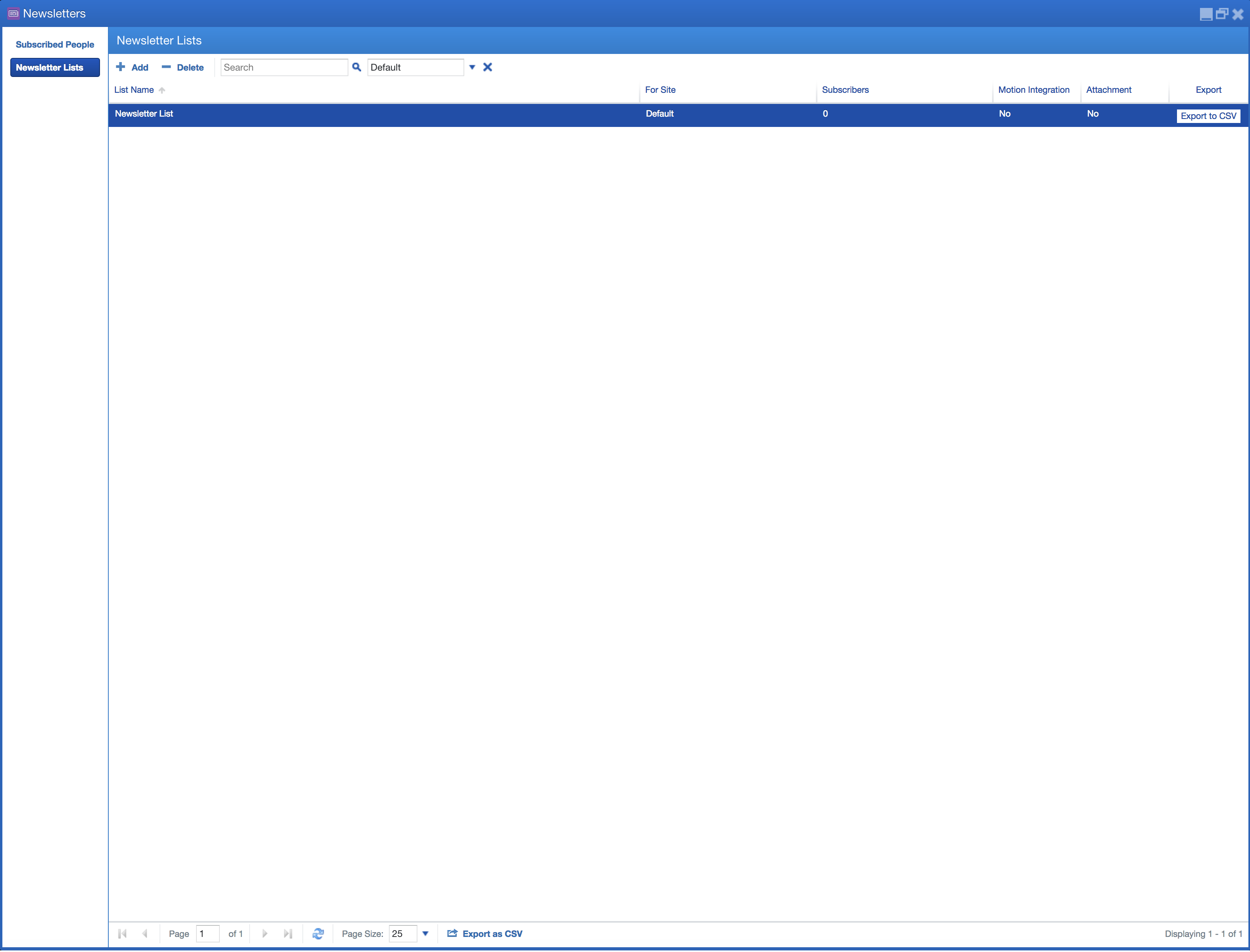
2. Now, click the ‘Newsletter Lists’ tab found on the left side of the window. From here, an admin can export a list of subscribers to specific newsletter by clicking the "export to CSV" button.
Learn more at: |
WWW.WMTEK.COM 3690 North US Highway 1 Fort Pierce, FL 34946
772-567-9824
|