
MENU
CRM
CRM is where all contacts are saved in Site Stacker whether the contact is a donor, an admin, or someone who has filled up a form in the website. A CRM record is needed for a user to log in to the website or the admin side.
Adding a New Record
Open
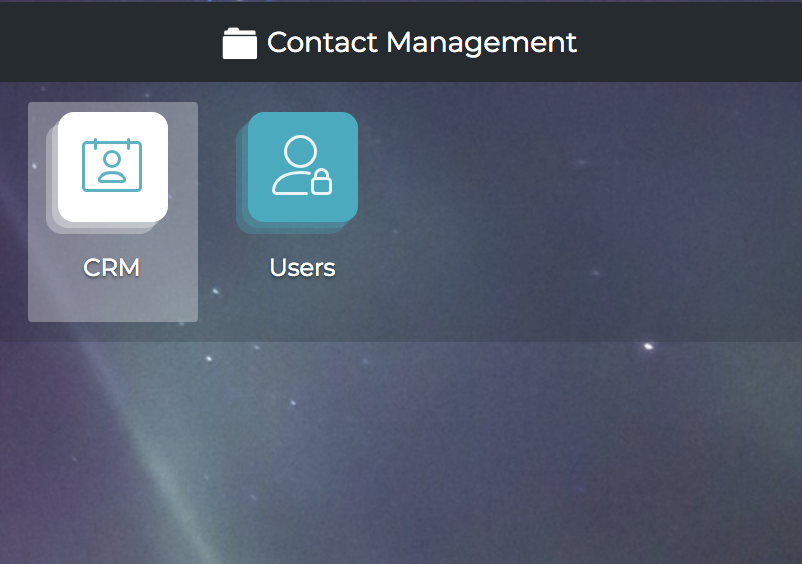
1. Click “CRM”.
Open
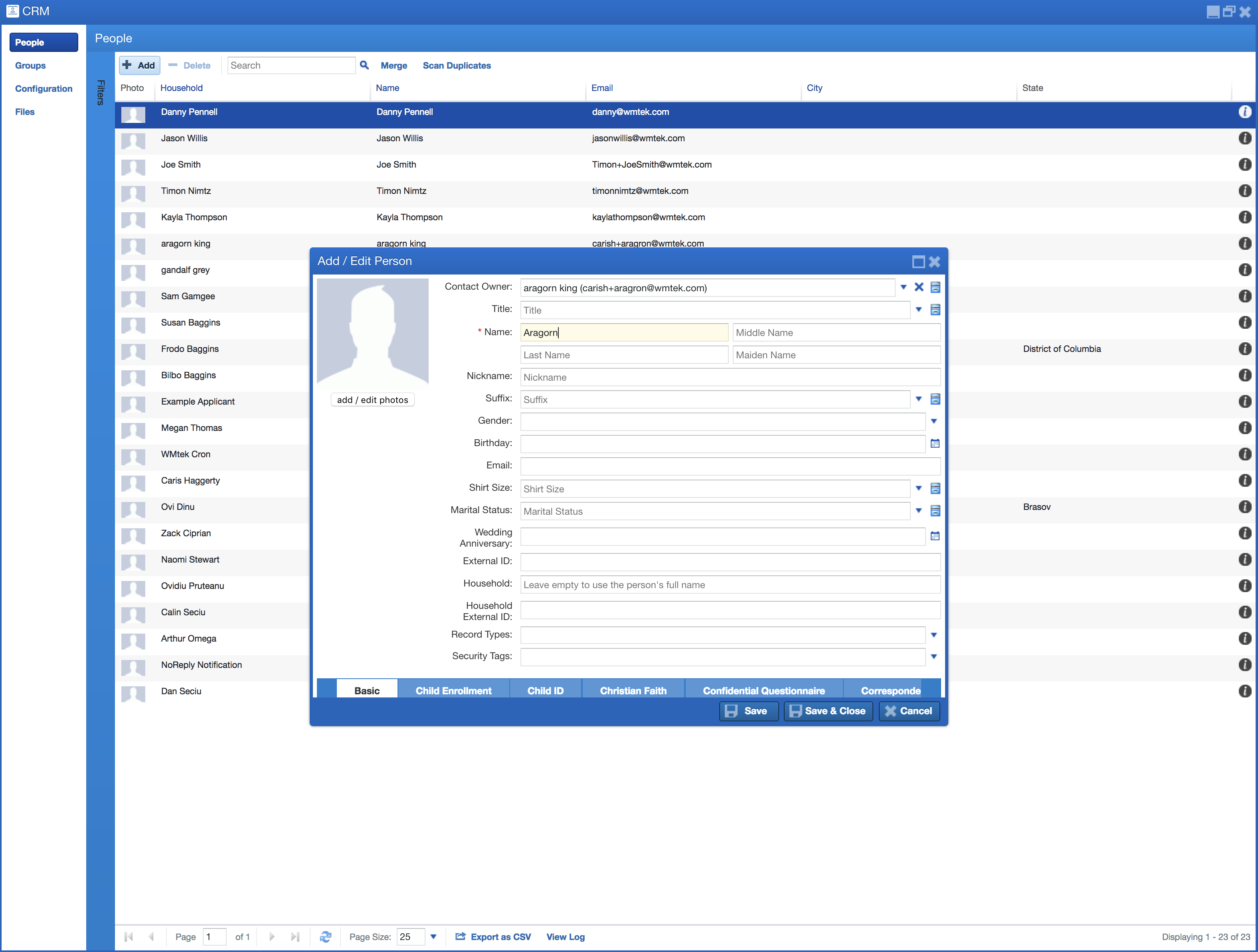
2. Click the "Add" button. Fill out the necessary fields to create the record and then click “Save & Close".
Deleting/Editing a Record
Open
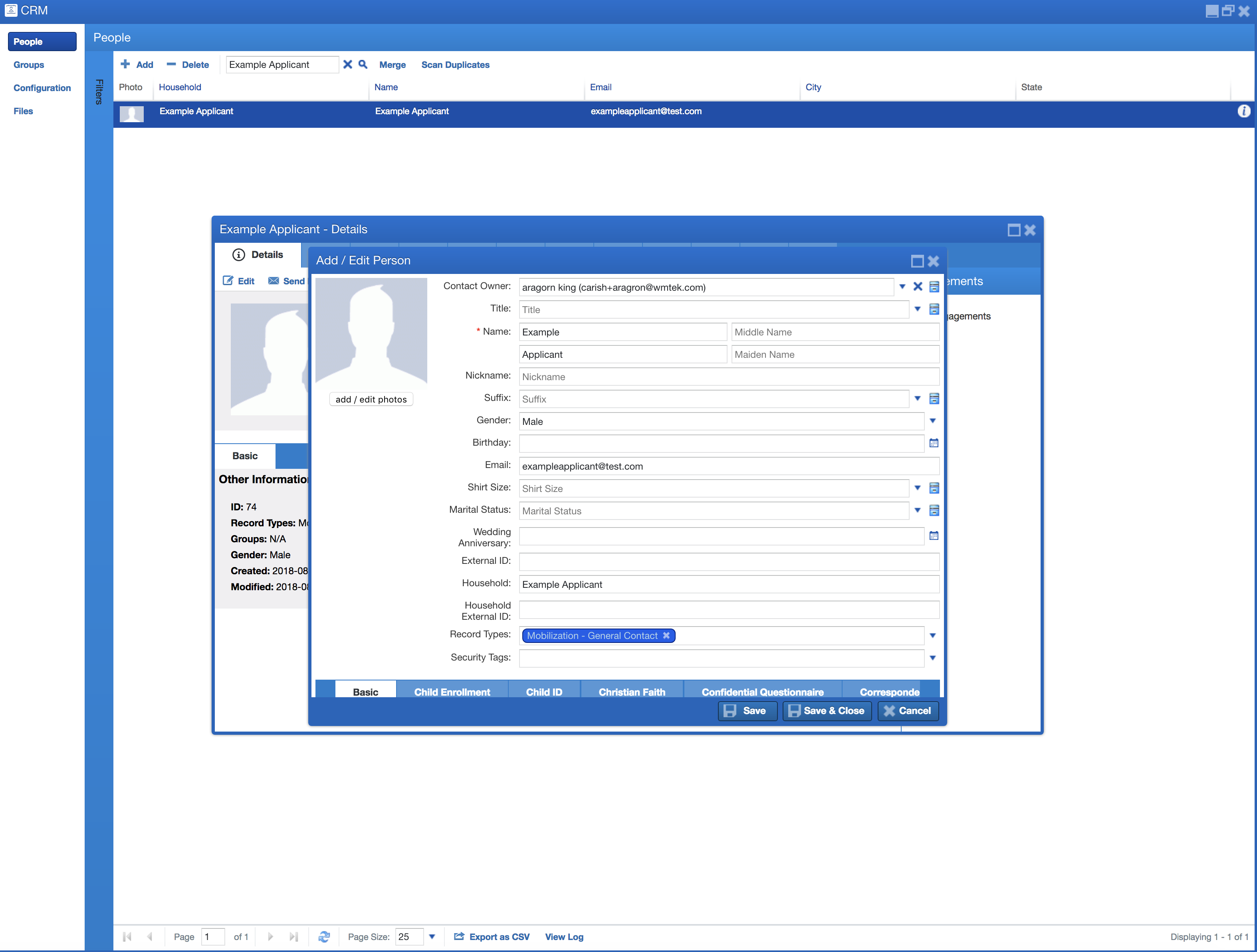
1. From CRM search for the record from the top or from the “Filters” bar on the left. To edit, double click the record in the datagrid, make necessary changes then click “Save & Close”.
Open
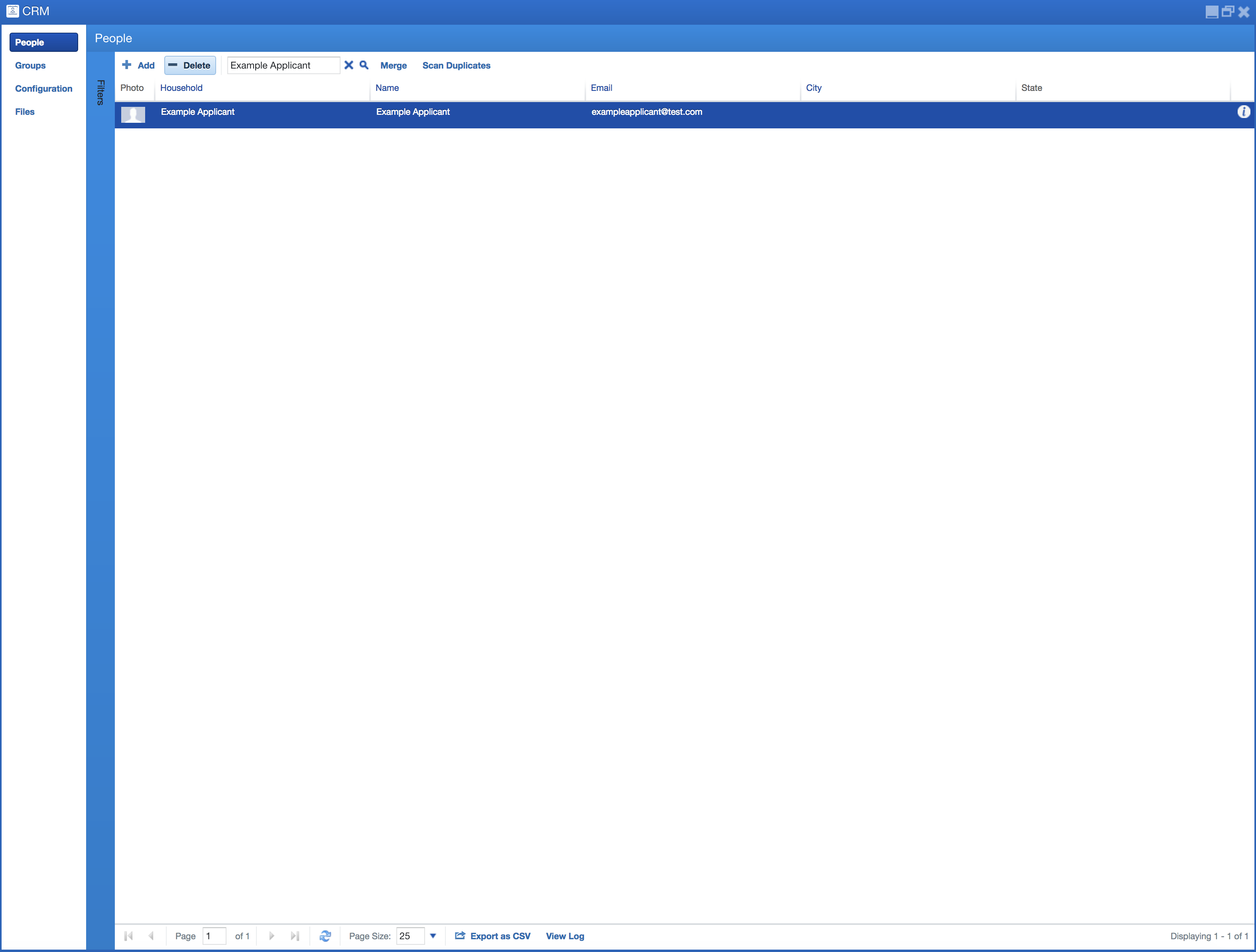
2. To delete, single click on the record in the grid to select it, then click the “- Delete” button at the top. Be cautious about deleting records - they will be gone forever!
Learn more at: |
WWW.WMTEK.COM 3690 North US Highway 1 Fort Pierce, FL 34946
772-567-9824
|